AI in Creative Work
AI is already part of everyday creative work, whether teams plan for it or not. I believe AI is most valuable when it supports creative thinking, reduces friction, and gives teams more time to focus on what actually matters
AI is not a single workflow or solution. It is a set of capabilities that can be applied across ideation, production, and operations. The difference between success and failure is not the tool. It is clarity.
In my experience, AI works best when it is:
Used to solve specific problems
Treated as assistive, not authoritative
Guided by clear standards for quality and brand
Transparent so teams understand how and why it is being used
AI should make creative work clearer and more focused. If it starts to dilute craft or decision making, it is being used in the wrong places.
How I use AI in practice
I use AI as an assistive layer across creative and operational work. I am less interested in novelty and more focused on where it meaningfully improves outcomes.
Ideation and early exploration
This is where AI delivers the most value.
I use AI to:
Generate early concepts and creative directions
Explore visual styles and compositional ideas
Draft headline and messaging variations
Create rough storyboards or narrative outlines
The goal is not to replace thinking. The goal is to get to stronger conversations faster by expanding the option space early. Final decisions are always human led.
Design and production support
In production, AI can remove manual effort without lowering quality, if it is used with restraint.
I use AI to:
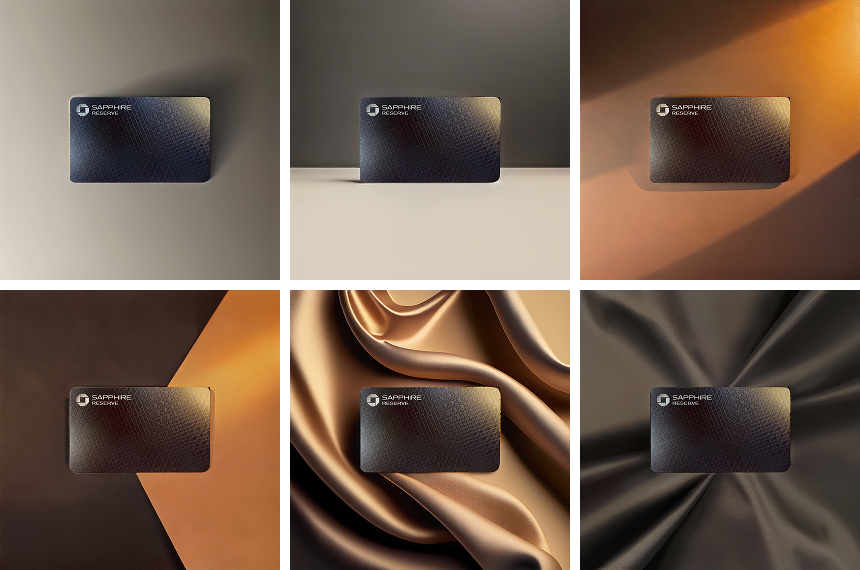
Create internal mockups and context setting visuals
Generate backgrounds, environments, or supporting imagery
Explore variations and formats
Assist with adapting work across channels
This allows designers to spend more time on craft and decision making, and less time on repetitive execution.
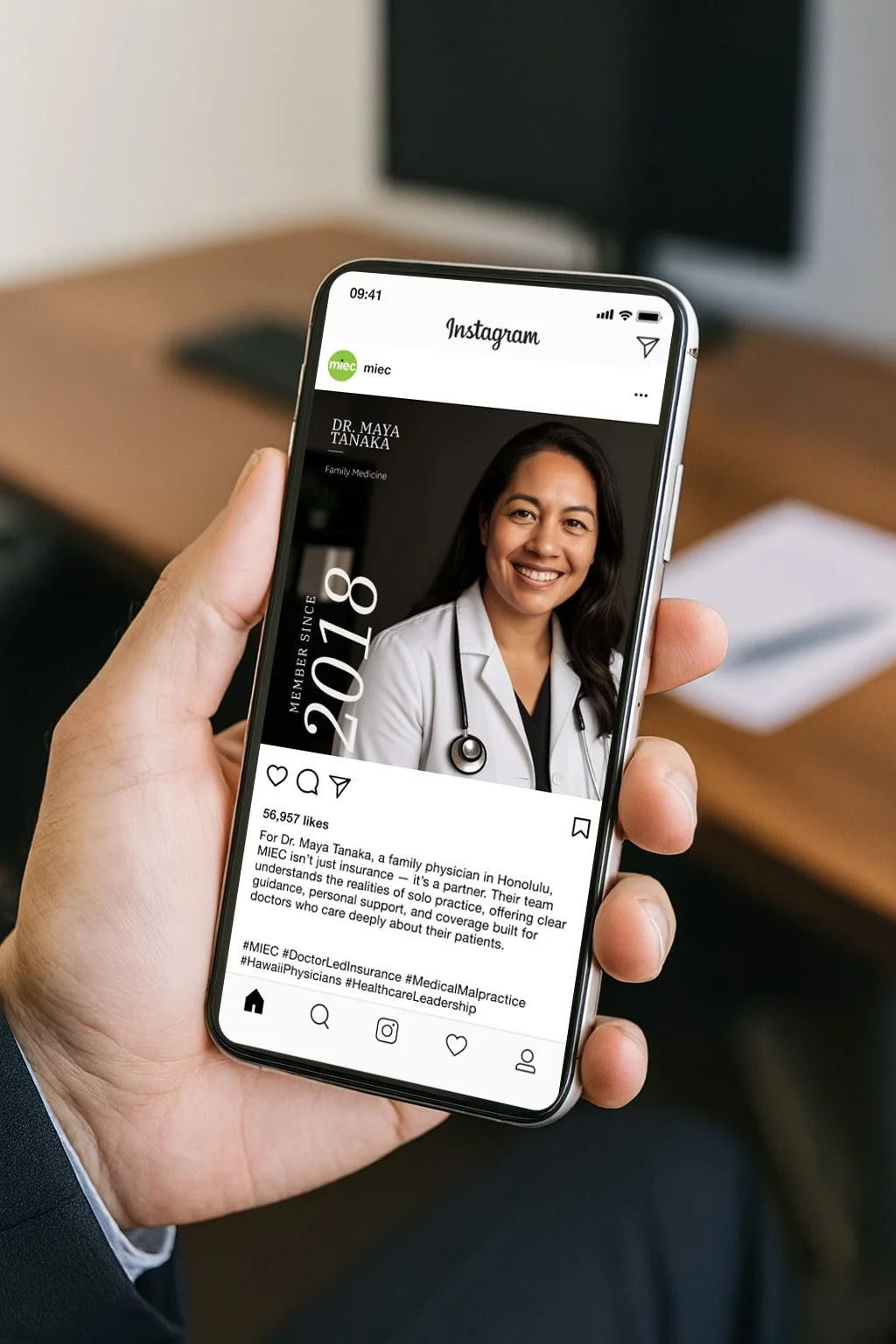


Recently I’ve been leveraging AI to create in-situ mockups for visual aids to explain a concept and get stakeholder buy-in. With correct prompting, these can be done in minutes whereas before, it would take 20-30 min in Photoshop.
Learning through experimentation
My understanding of AI comes from hands on experimentation, real world use, and leading structured pilots, not theory alone.
At JPMorgan, I led an AI pilot program focused on evaluating how generative AI could support creative teams. This included testing tools across design, ideation, and workflow use cases, assessing strengths and limitations, and sharing findings with stakeholders to inform broader adoption decisions.
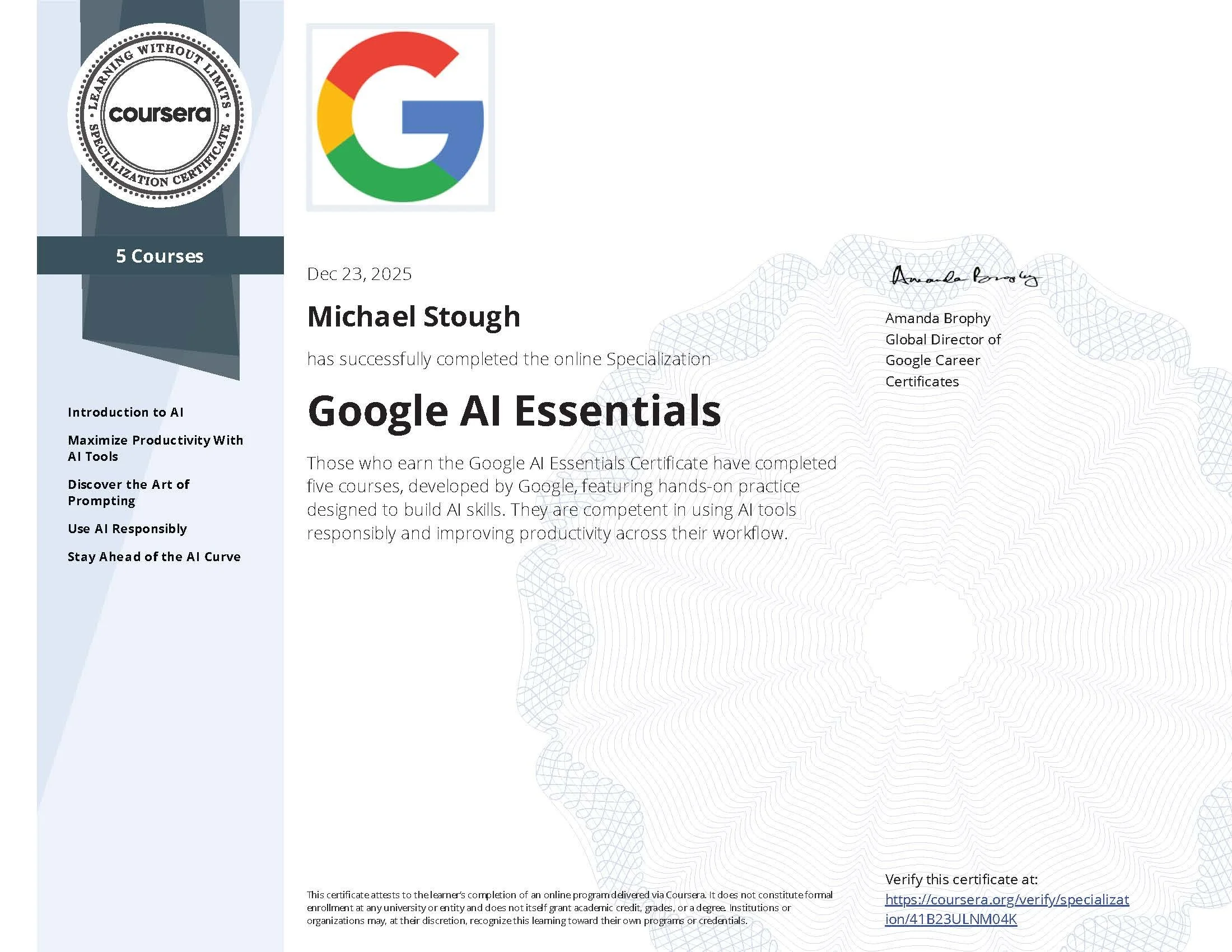
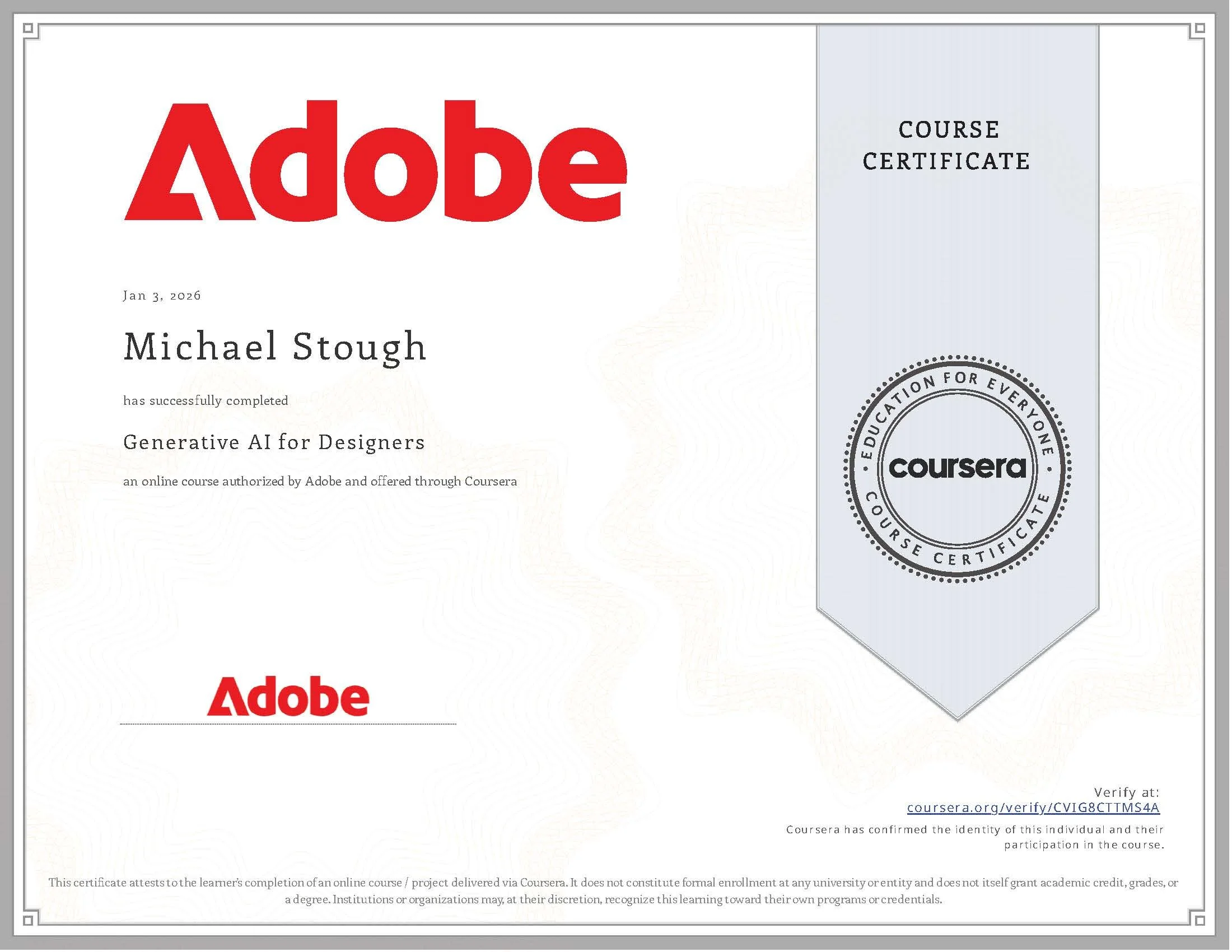
Alongside hands on work, I’ve invested in formal learning through online courses and certifications focused on responsible and practical use of AI in creative contexts. This combination of leadership experience and structured training has shaped a grounded view of where AI adds value and where it does not.
I continue to learn as tools evolve, with a focus on practical application, quality, and long term impact rather than hype.
Creative operations and workflow efficiency
From an operations standpoint, AI often has its biggest impact behind the scenes.
I use AI to:
Summarize creative briefs and stakeholder inputs
Translate rough requests into structured briefs or outlines
Consolidate feedback and reviews
Support documentation and process clarity
Used this way, AI helps creative teams operate at scale without adding unnecessary complexity.
What I bring to a team
A clear and pragmatic point of view on AI
Hands on experience applying AI in real creative workflows
Strong judgment around quality, brand, and governance
The ability to help teams adopt AI responsibly and with intention
Whether in a creative leadership, creative operations, or senior design role, my goal is the same. Use AI to make creative work better, not just faster.
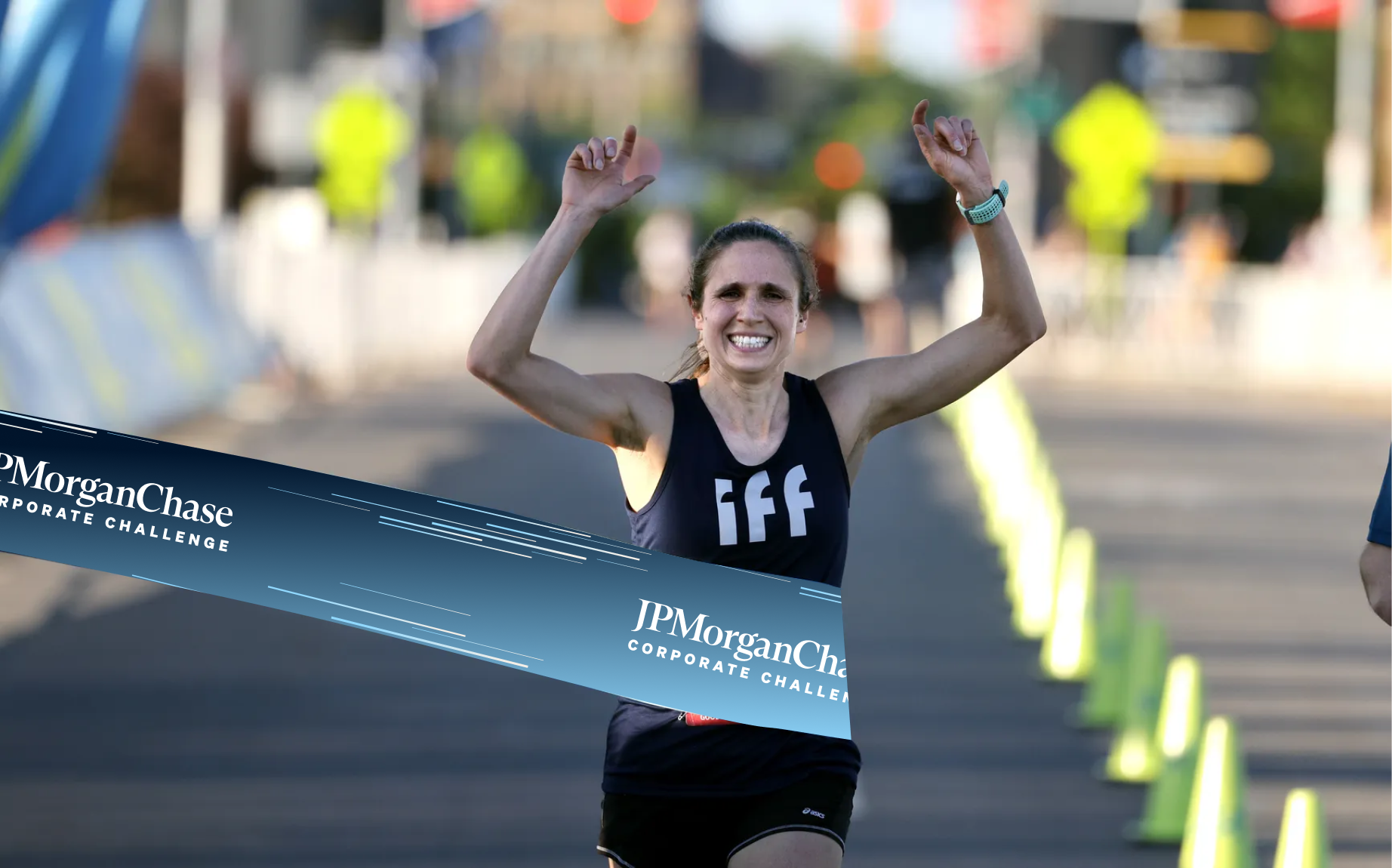
mock up image
AI generated mockup video from source image